Laser Stencil Maker Guide: Vector Conversion for Laser Cutting
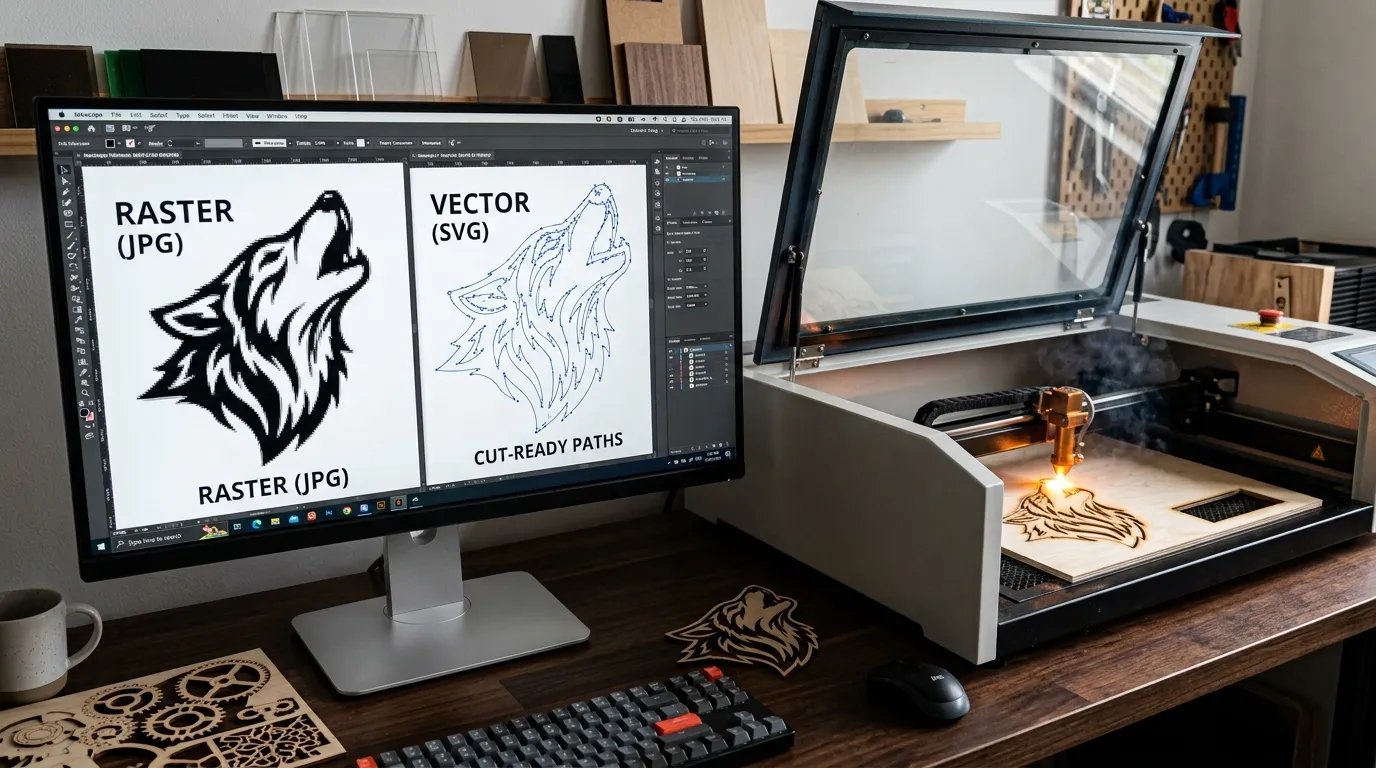
Laser stencil maker guide covering vector conversion, SVG and DXF preparation, clean paths, and reusable stencil design.
Practical stencil-making and creative-tool guides for cleaner, cut-ready results. Learn image-to-stencil workflows, Cricut and laser cutting, SVG and vector conversion, Adobe Illustrator and Photoshop techniques, materials, scaling, and troubleshooting. Use these guides alongside DigitalOnDay’s free online Stencil Maker to move from an image or idea to a printable or cut-ready design.
Laser stencil maker guide covering vector conversion, SVG and DXF preparation, clean paths, and reusable stencil design.
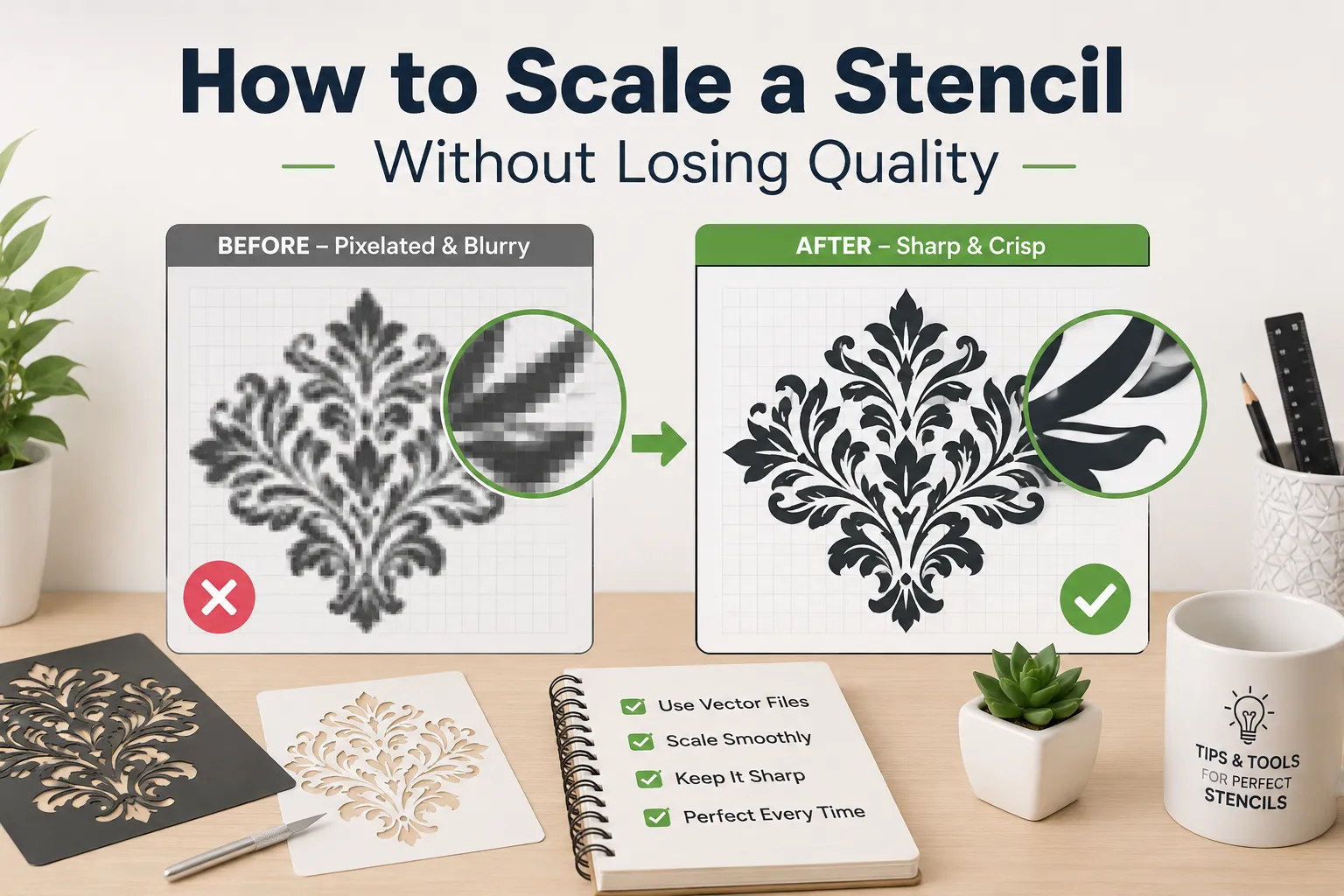
Introduction Resizing a stencil sounds simple until the lines blur, the edges turn jagged, and the fine details disappear. This happens because most people scale the wrong file type or use the wrong software settings. Whether you are enlarging a small mehndi stencil for an adult hand, shrinking a design for a child, or preparing … Read more
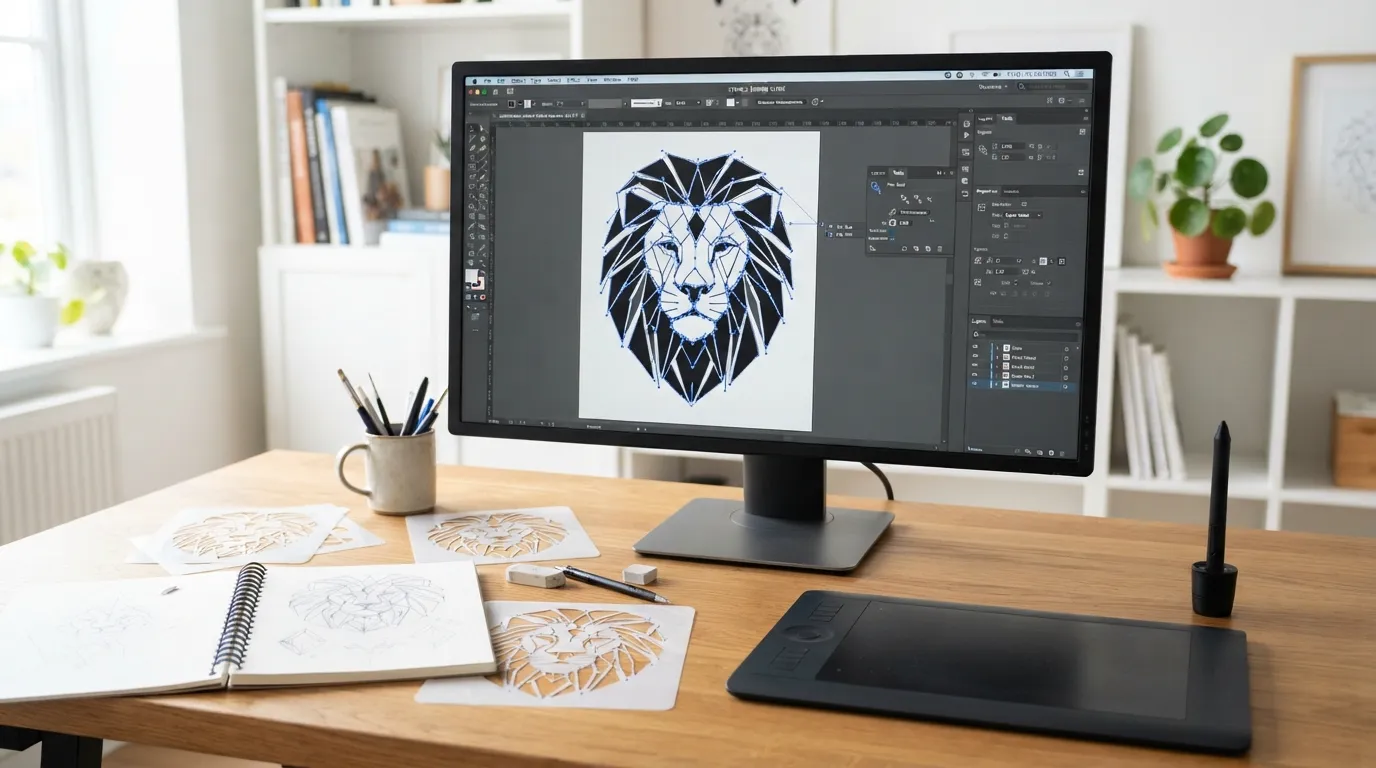
Adobe Illustrator is one of the best tools for creating stencil designs because it works with vector paths. A vector stencil can be resized, edited, cleaned, exported as SVG, and prepared for Cricut, Silhouette, laser cutting, vinyl cutting, screen printing, wall stencils, wood signs, and reusable mylar stencils. But stencil design is not the same … Read more
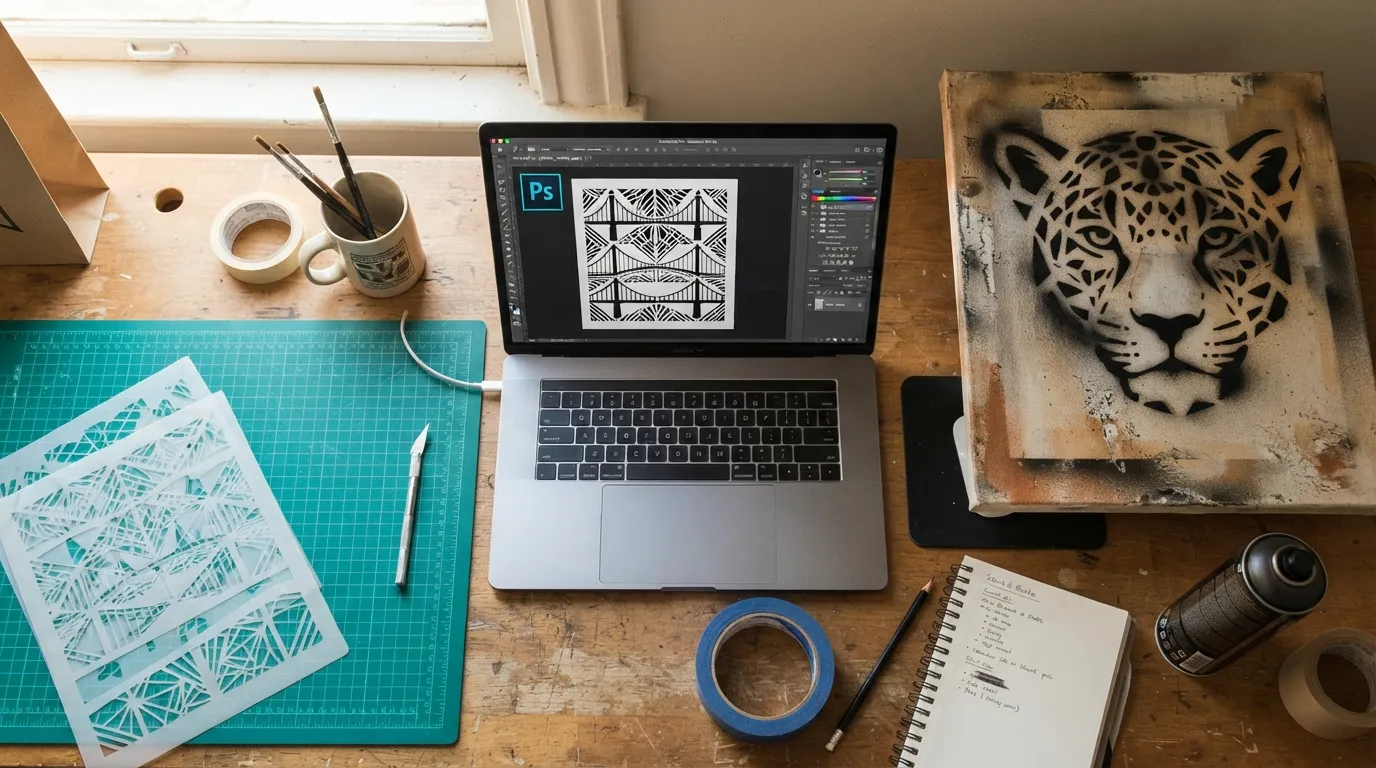
Creating digital stencil designs has become much easier with modern design software. Instead of manually drawing every pattern, designers can use Photoshop to transform images, illustrations, and artwork into clean stencil templates for crafts, cutting machines, wall decoration, and DIY projects. Photoshop is especially useful for beginners because it provides powerful tools to simplify images, … Read more
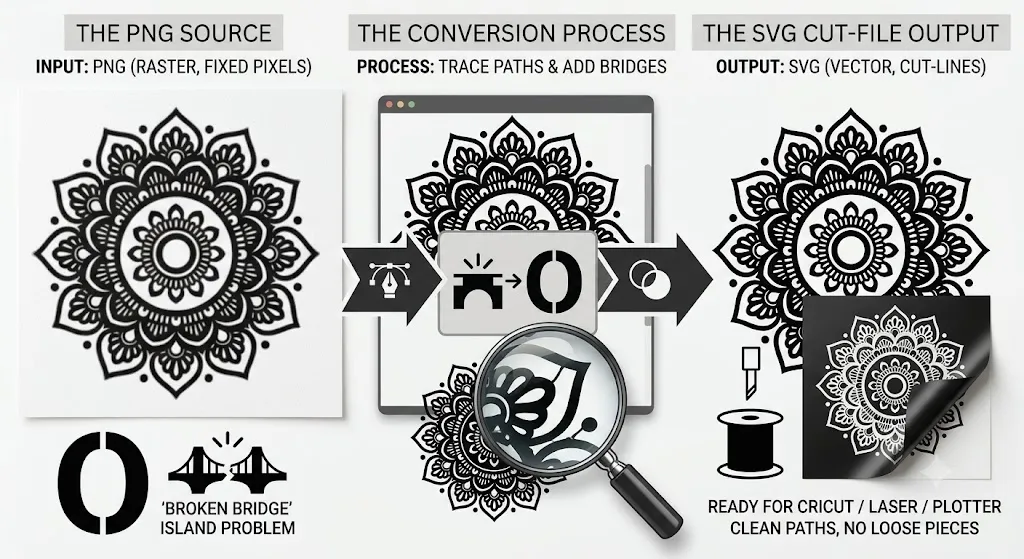
SVG stencil maker guide for converting PNG images into clean, cut-ready SVG stencils for Cricut, laser cutting, printing, and reusable projects.